



















In an era where AI
generates answers to everything,
what still matters most is what your
own mind brings to life.
Capture your inspiration visually,
and refine your logic with text.
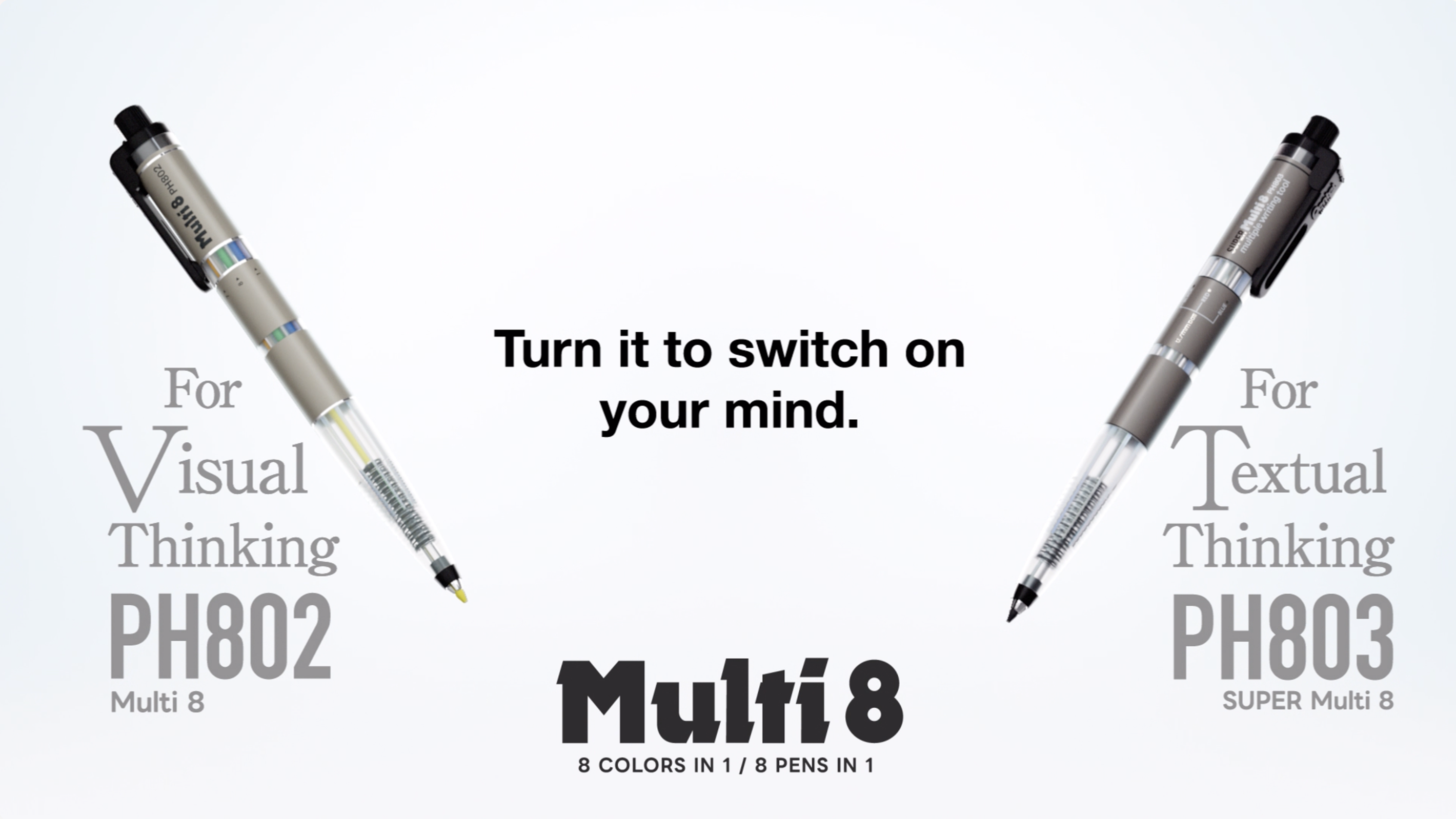
The PH802 and PH803
writing instruments accelerate
the flow of your thoughts.
Now take the Multi 8 for a spin
and put your mind in high gear.




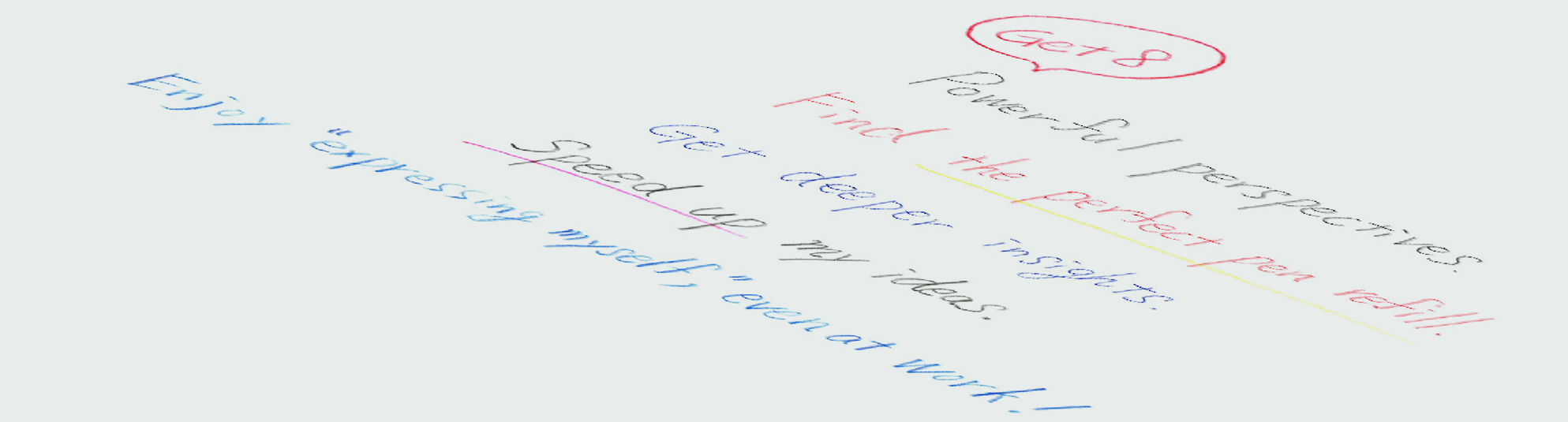
Draw what inspires you
with 8 colored leads.
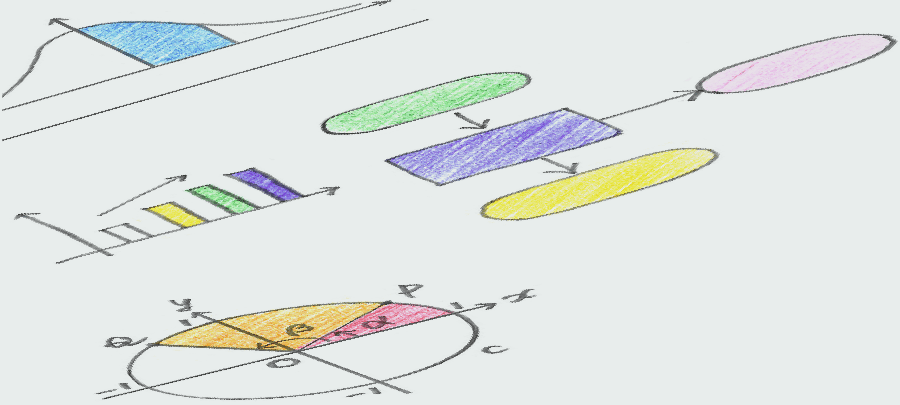
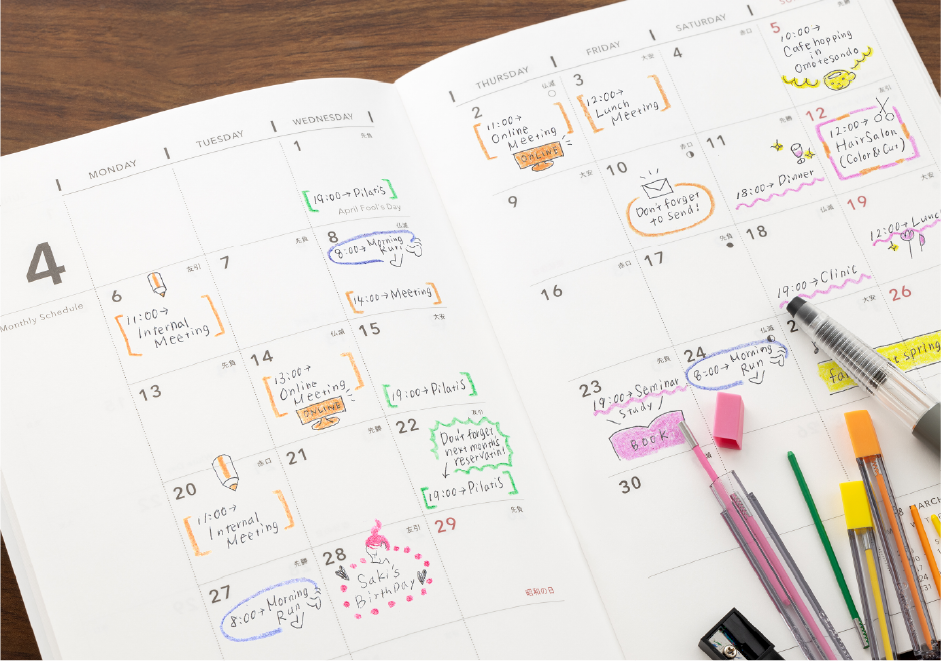
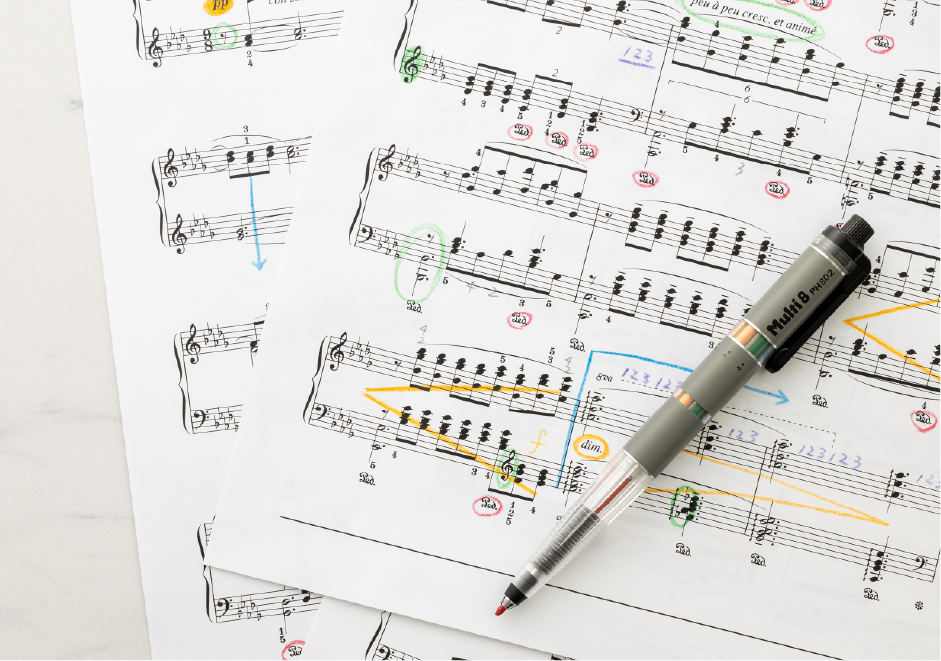
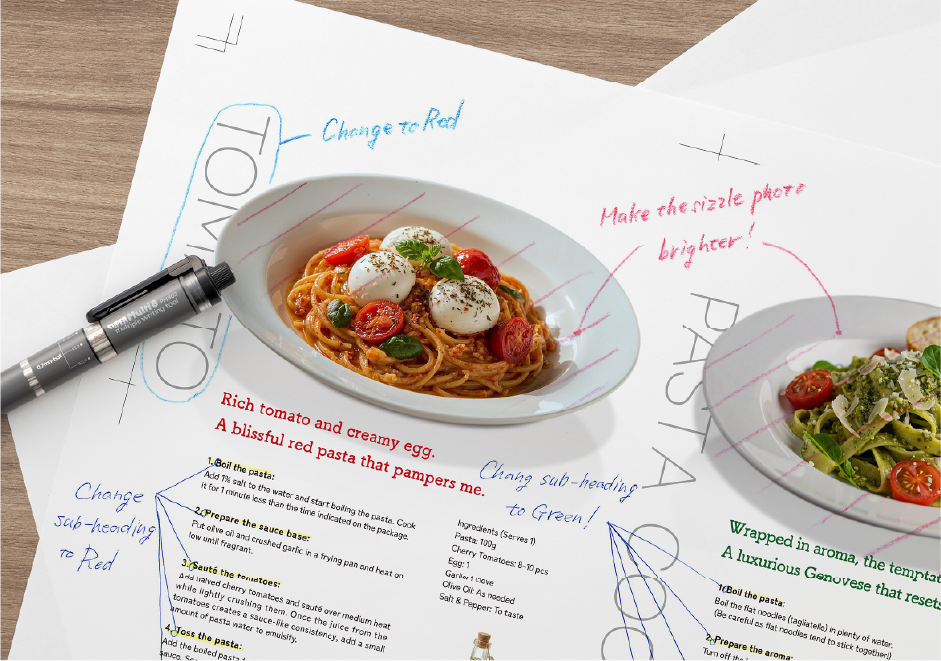
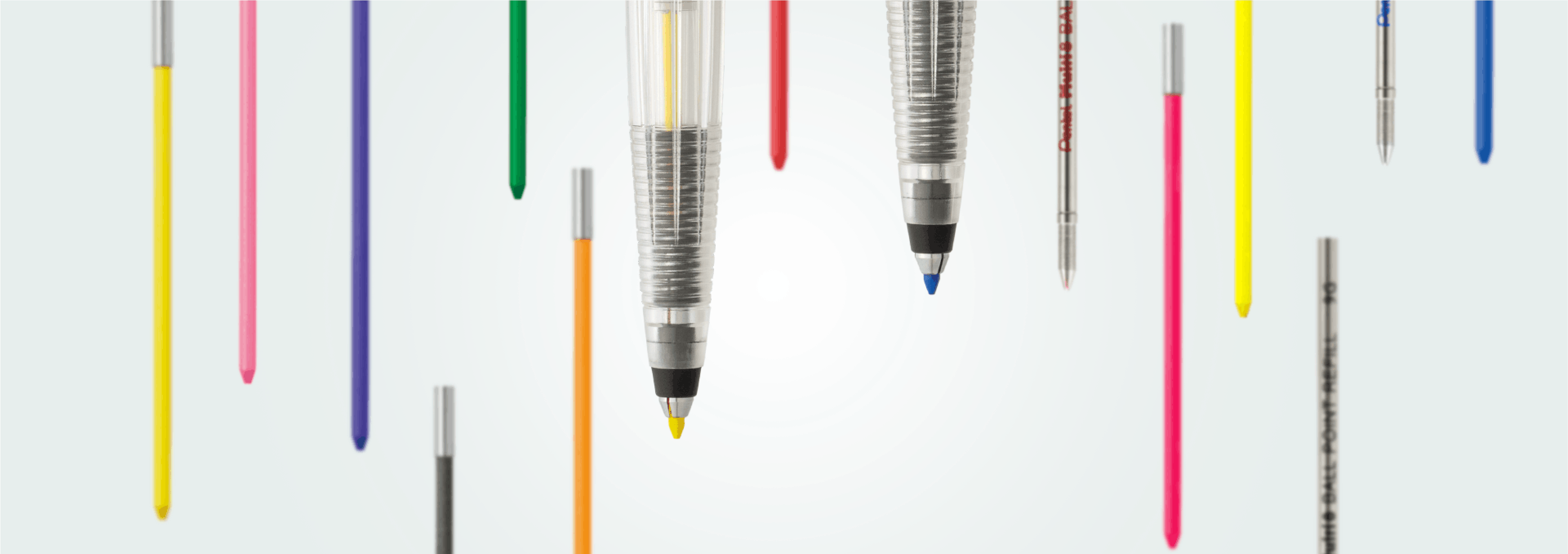
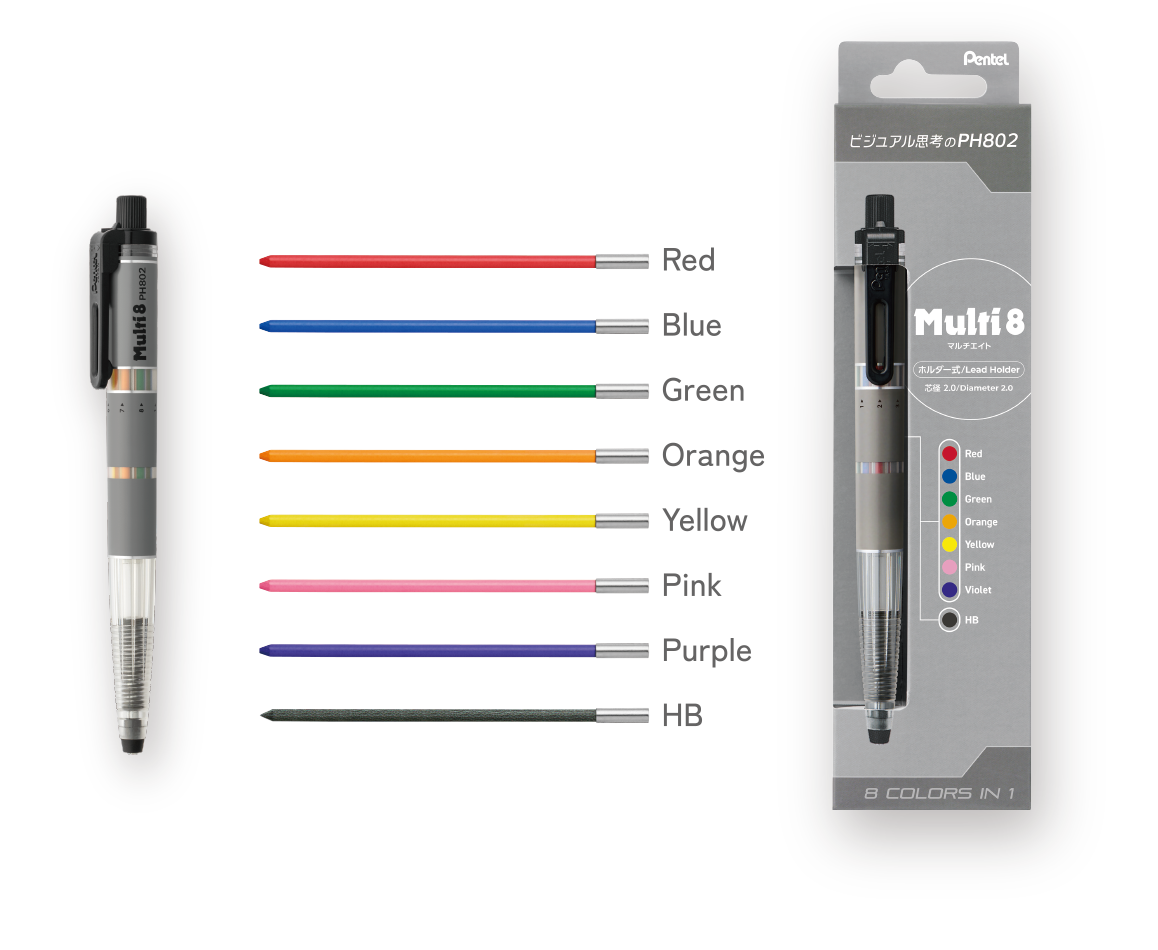
Colored pencil leads in 8 vivid colors make visuals true to your inspiration. Draw with higher definition by colorcoding, diagramming, and illustrating.
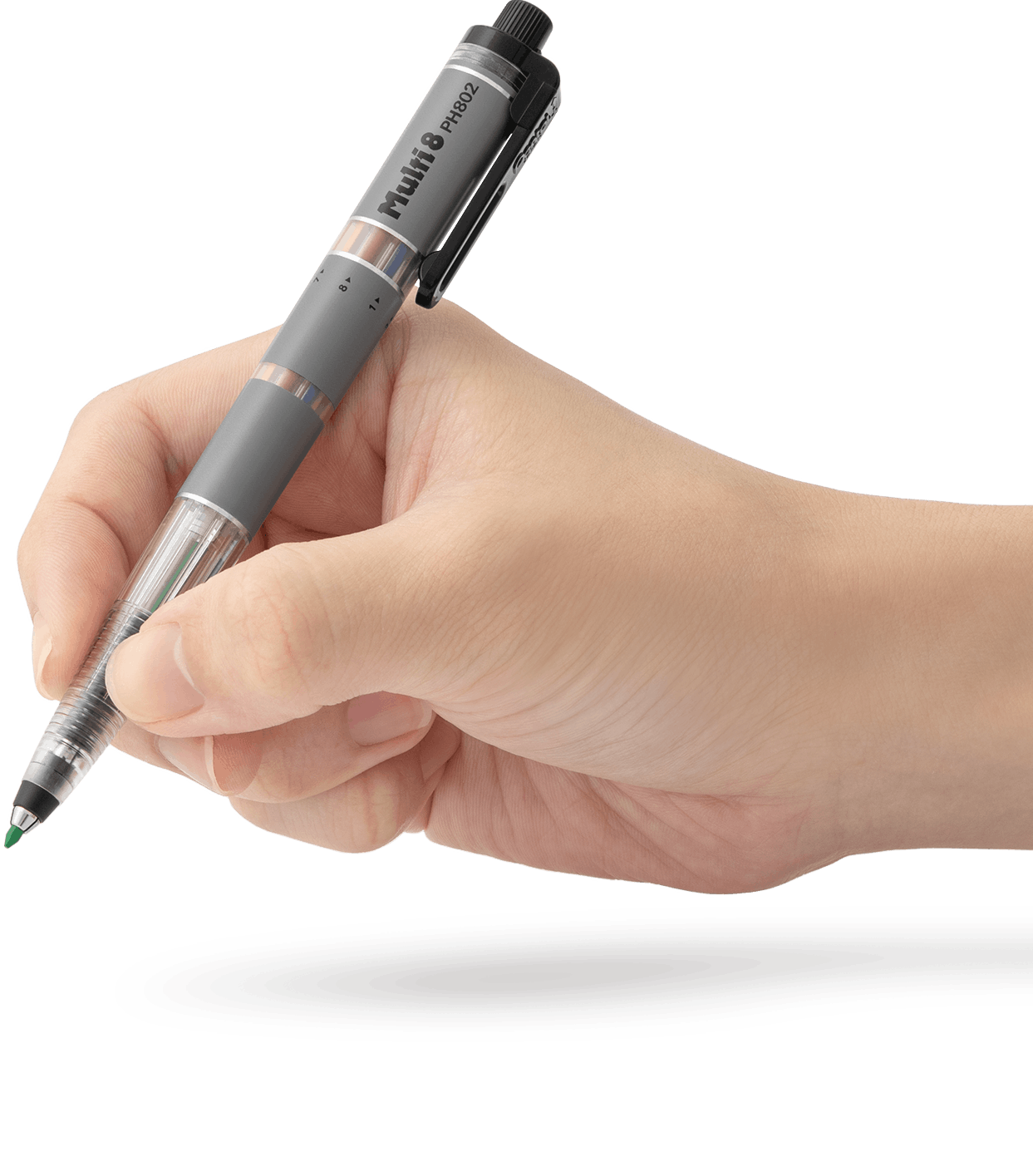

Draw what inspires you
with 8 colored leads.
Colored pencil leads in 8 vivid colors make visuals true to your inspiration. Draw with higher definition by colorcoding, diagramming, and illustrating.


Go deeper into logic with
8 writing tools.
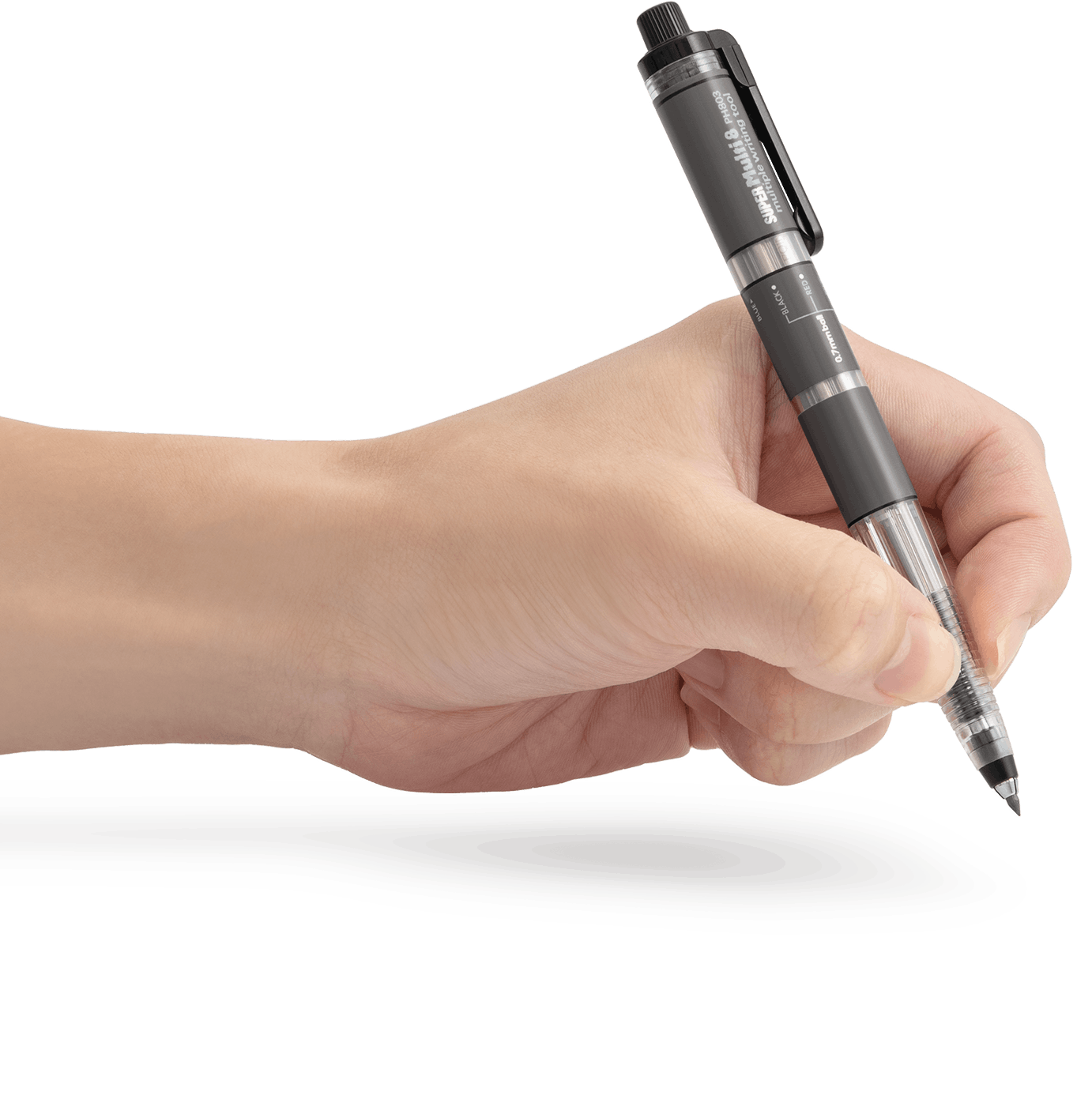
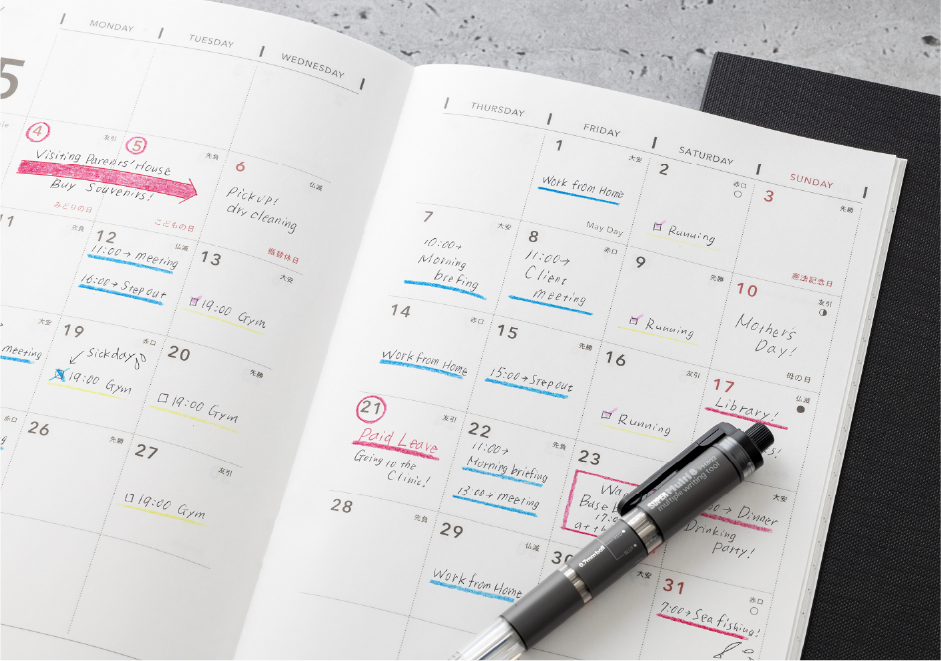
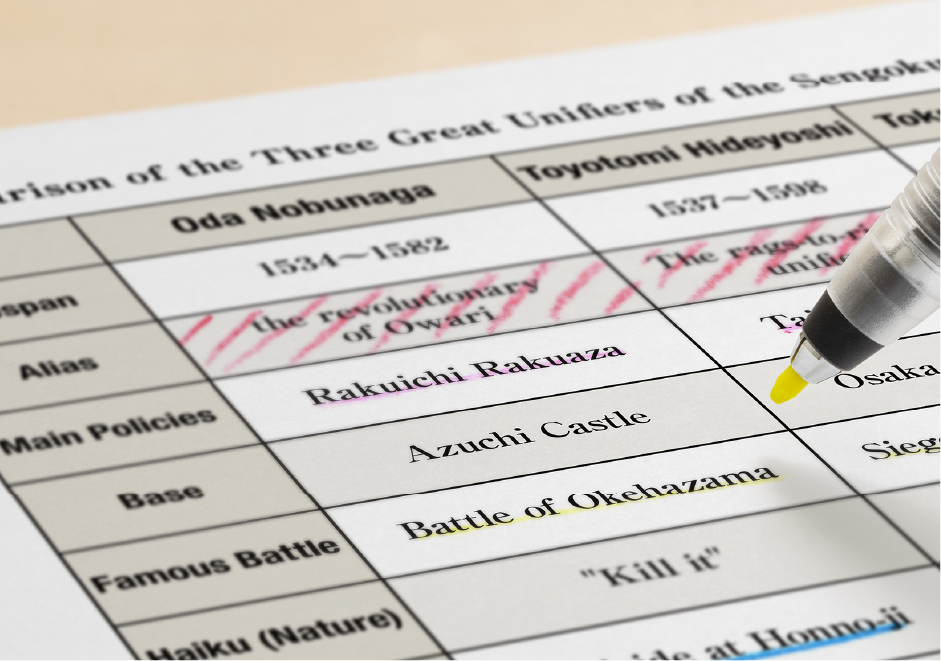
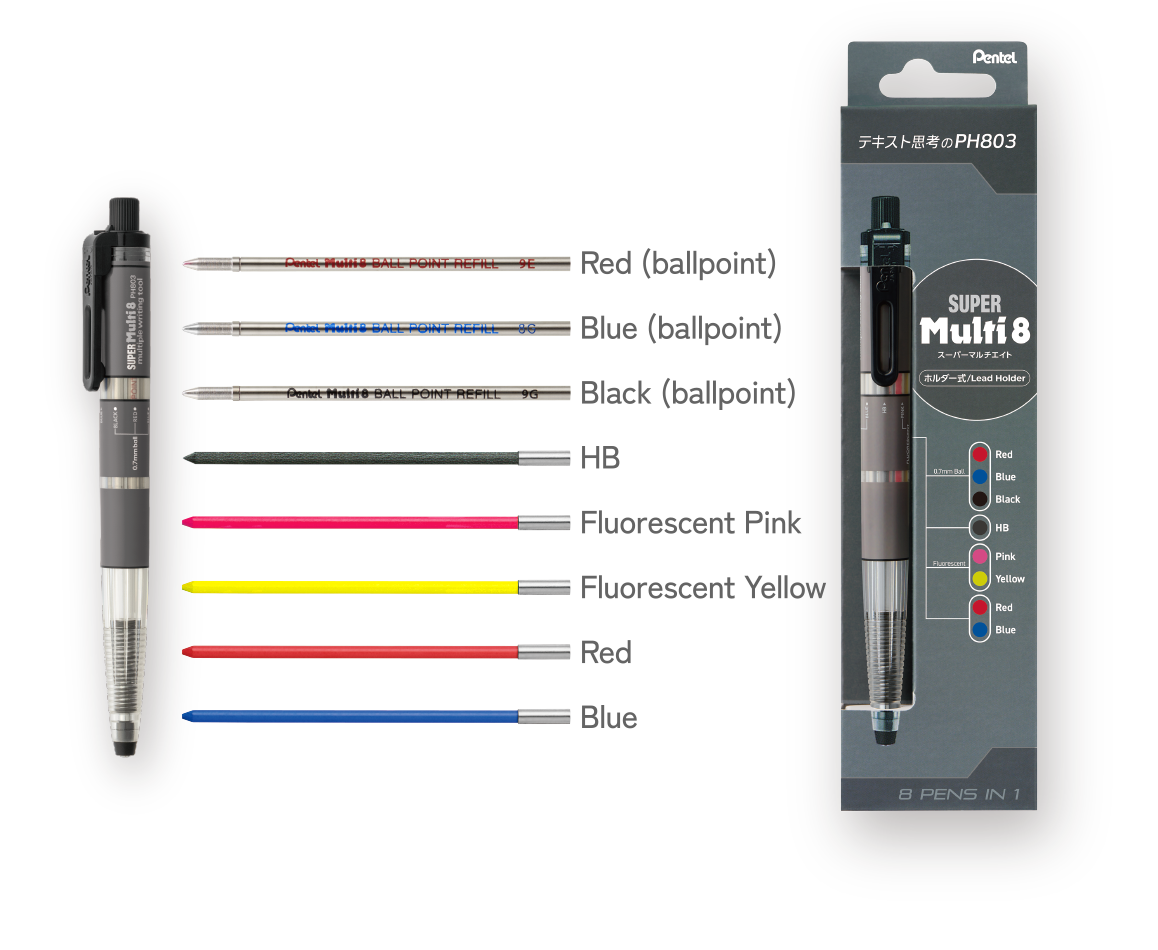
This multi-function pen combines writing tools to let your words flow seamlessly. Switch functions between ballpoint pens and highlighters while drawing out the answers.
Go deeper into logic with
8 writing tools.
This multi-function pen combines writing tools to let your words flow seamlessly. Switch functions between ballpoint pens and highlighters while drawing out the answers.

【 Single 】
【 Set 】
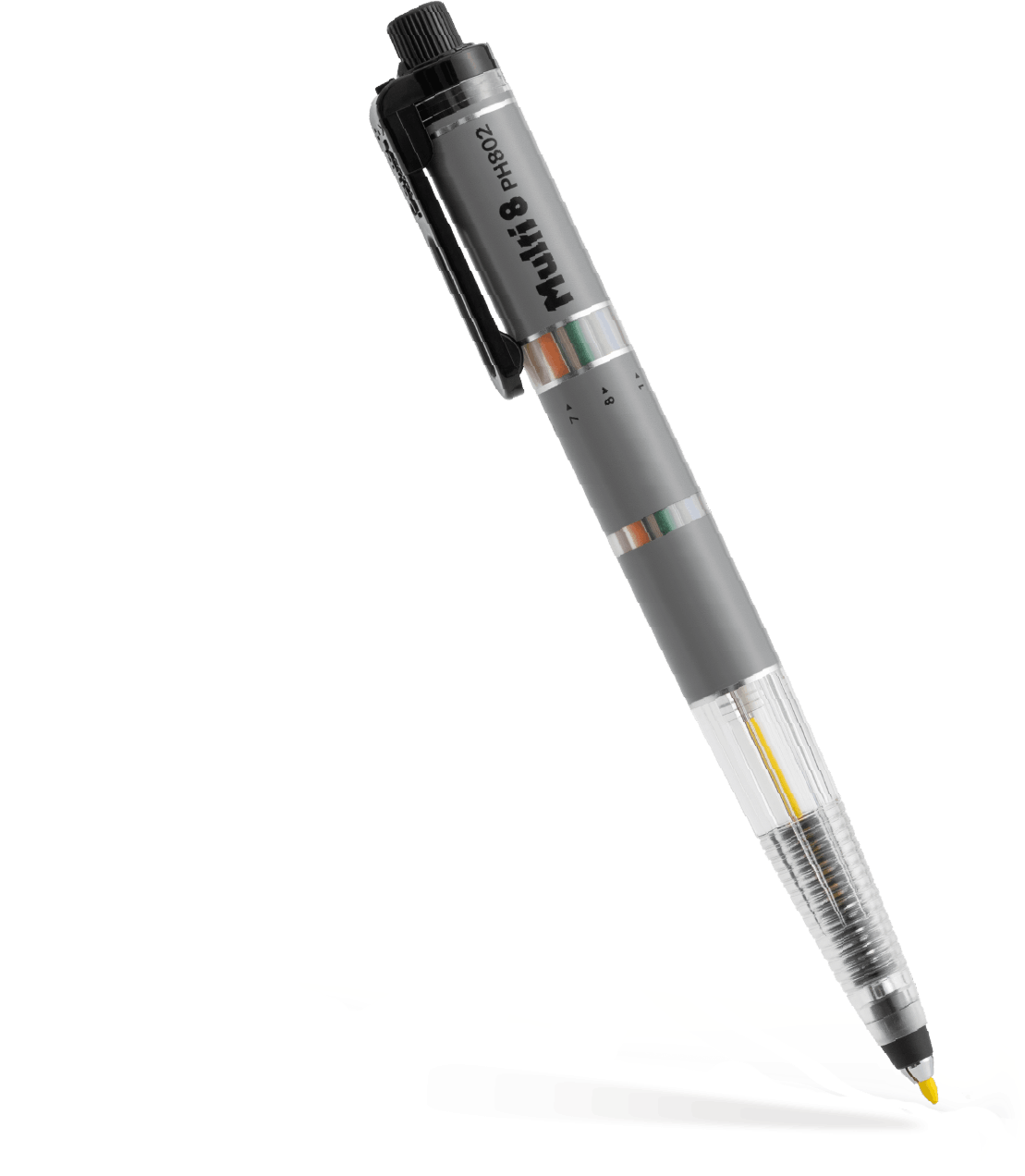
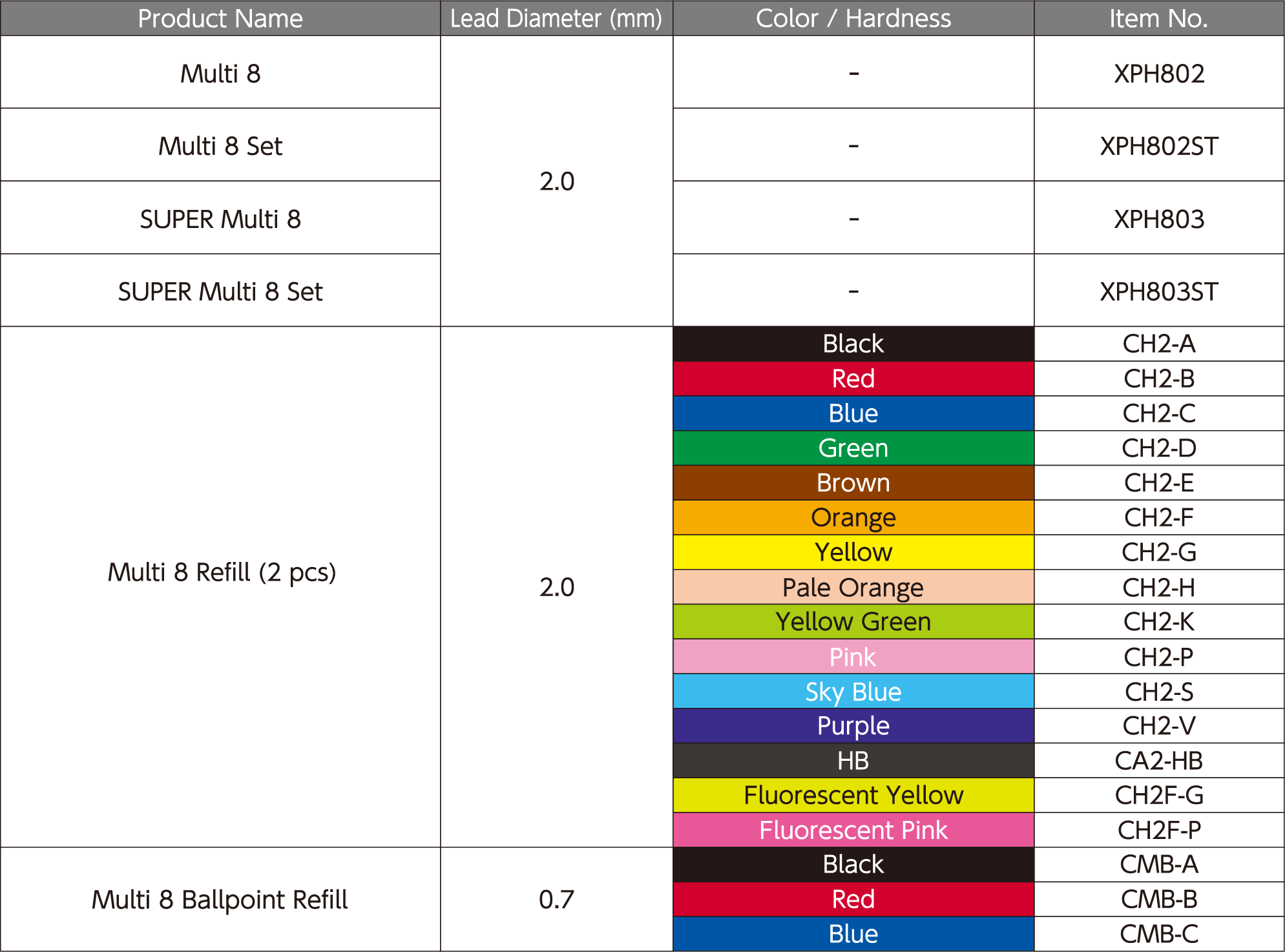
Multi 8 XPH802
Lead diameter: 2.0 mm
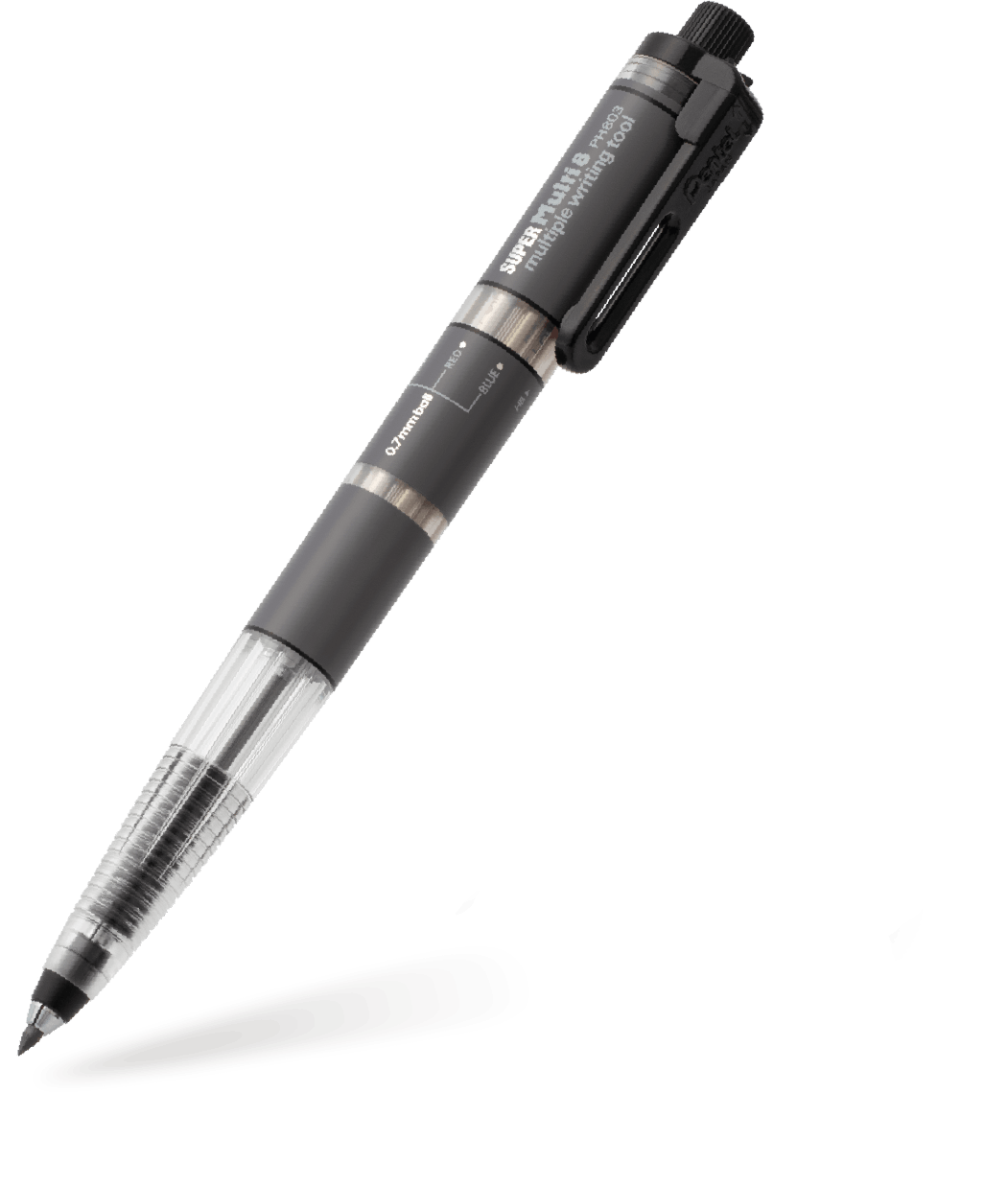
SUPER Multi 8 XPH803
Lead diameter: Ballpoint refill 0.7 mm
Color leads 2.0 mm
Multi 8 Set XPH802ST
Lead diameter: 2.0 mm
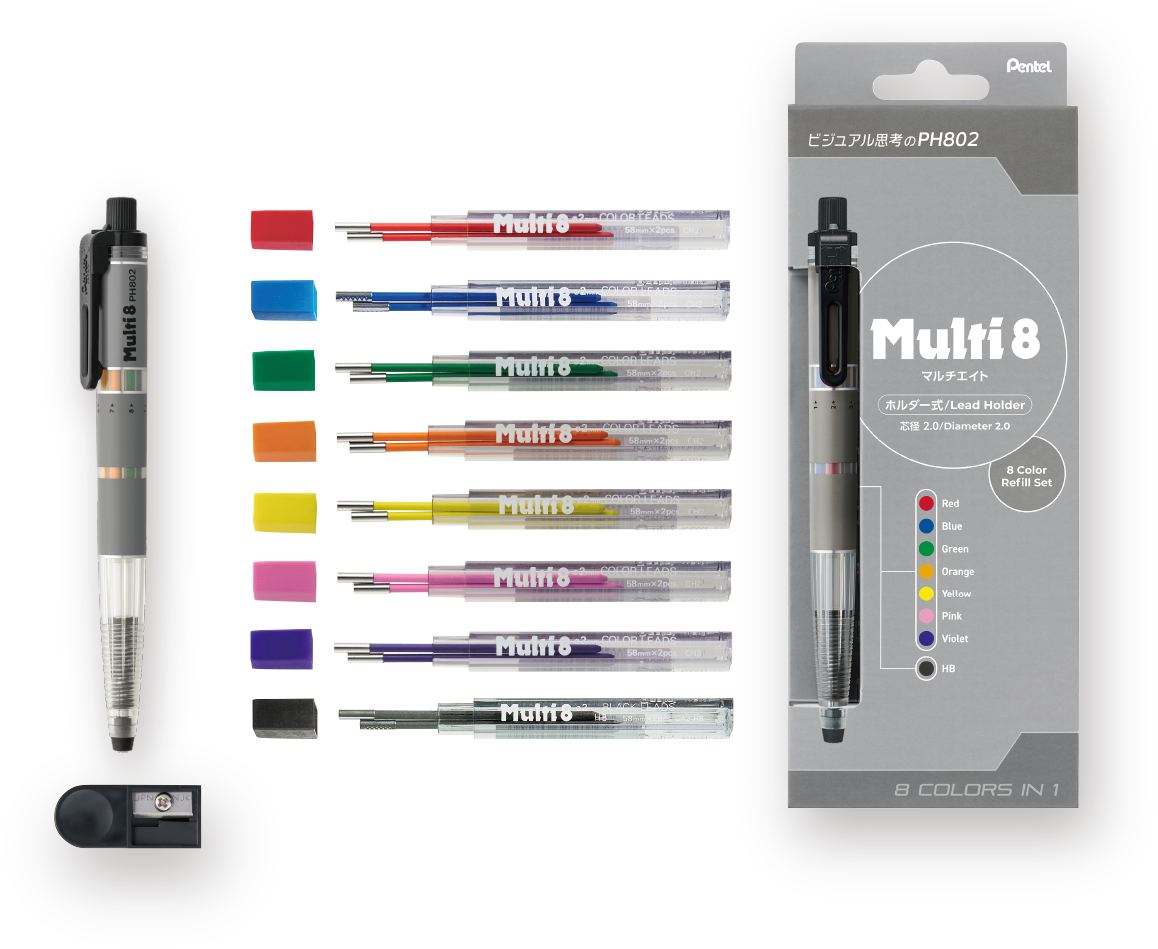
Multi 8: 1pc
Colored lead for PH Series: 2 pcs each of 8 colors
SUPER Multi 8 Set XPH803ST
Lead diameter: Ballpoint refill 0.7 mm
Color leads 2.0 mm
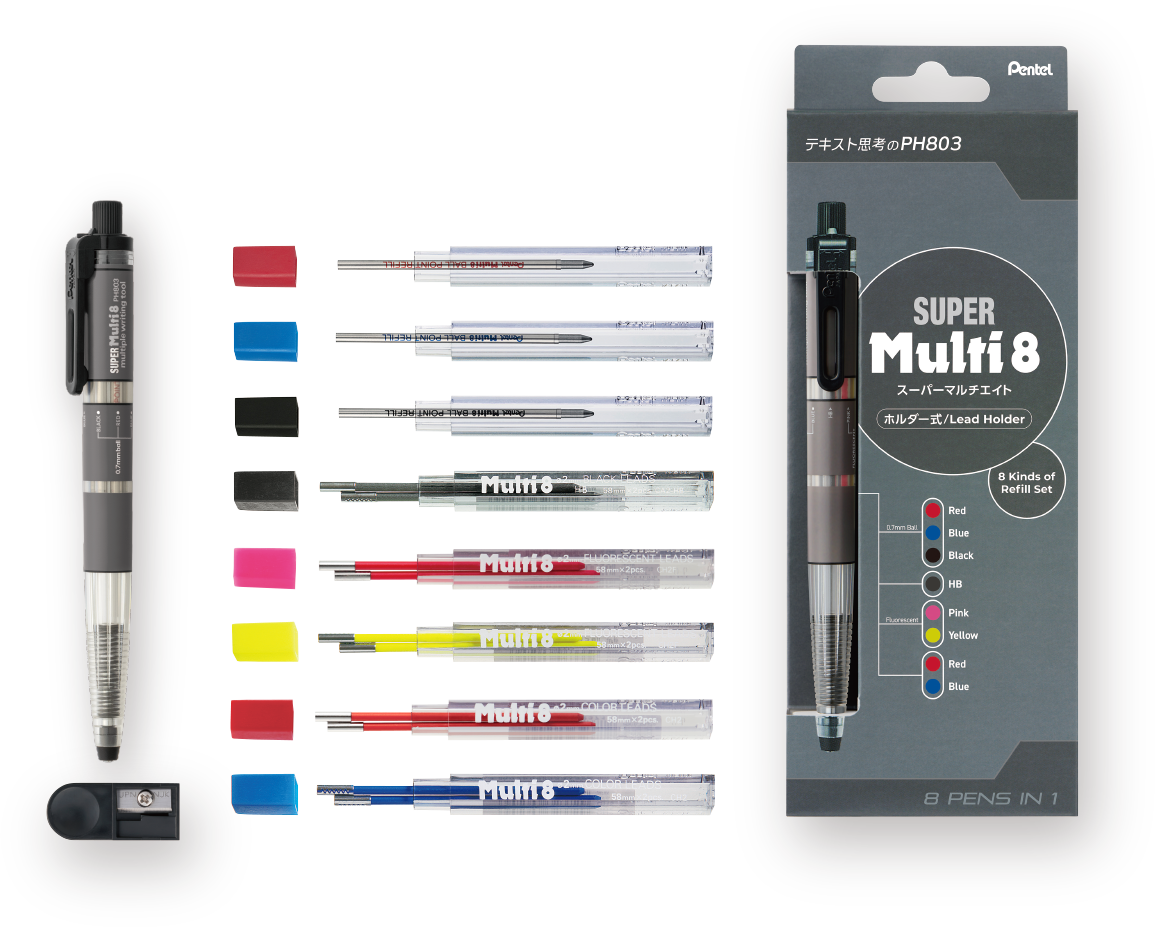
SUPER Multi 8: 1pc
Colored lead for PH Series: 2 pcs each of 5 colors
Ball point pen refills: 1 pc each of 3 colors
Sharpener: 1pc
【 Single 】
Multi 8 XPH802
Lead diameter: 2.0 mm
【 Set 】
Multi 8 Set XPH802ST
Lead diameter: 2.0 mm
Multi 8: 1pc
Colored lead for PH Series: 2 pcs each of 8 colors
【 Single 】
SUPER Multi 8 XPH803
Lead diameter: Ballpoint refill 0.7 mm
Color leads 2.0 mm
【 Set 】
SUPER Multi 8 Set XPH803ST
Lead diameter: Ballpoint refill 0.7 mm
Color leads 2.0 mm
SUPER Multi 8: 1pc
Colored lead for PH Series: 2 pcs each of 5 colors
Ball point pen refills: 1 pc each of 3 colors
Sharpener: 1pc
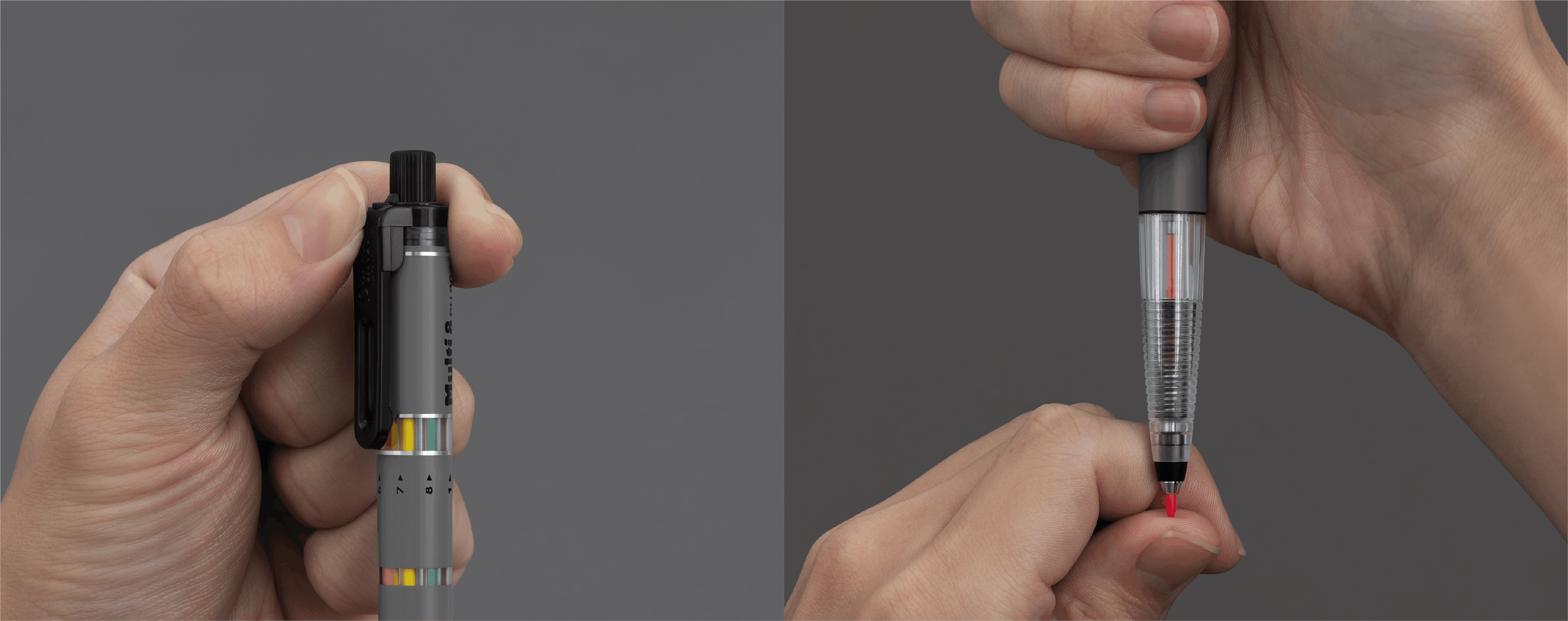

Click the top knob to release the lead.
Close your fingers to catch the lead as it drops.
Use your fingertip to adjust the length of the lead, so that it protrudes
about 3 mm.
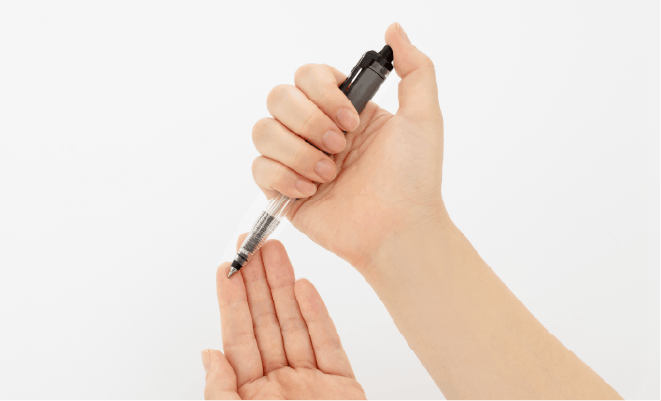
To return the lead, turn the pencil tip upward and click the top knob.
Be sure to return the lead all the way back into the lead reservoir.
If you rotate the clip without returning the lead all the way, the lead protection mechanism will activate and the clip will just spin. You won’t be able to select a new lead color.
To avoid damage, do not press the top knob too hard against a desktop or other surface.
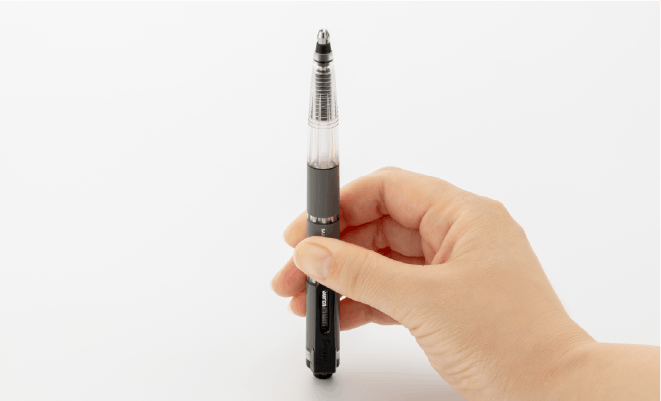
To select a new color, rotate the clip until it lines up with the color you want.
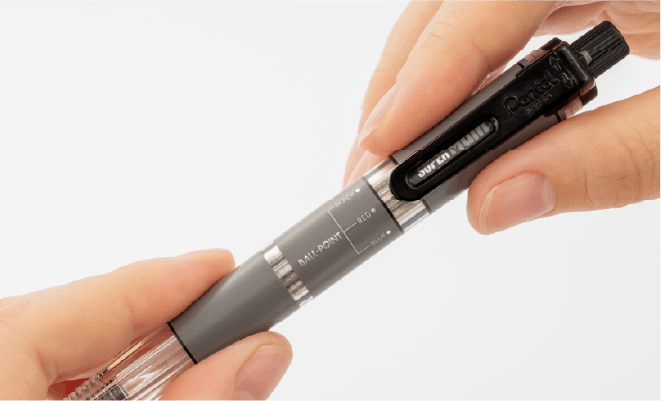
Once a lead is 15 mm or shorter, the pencil will not operate properly, so please replace the lead.
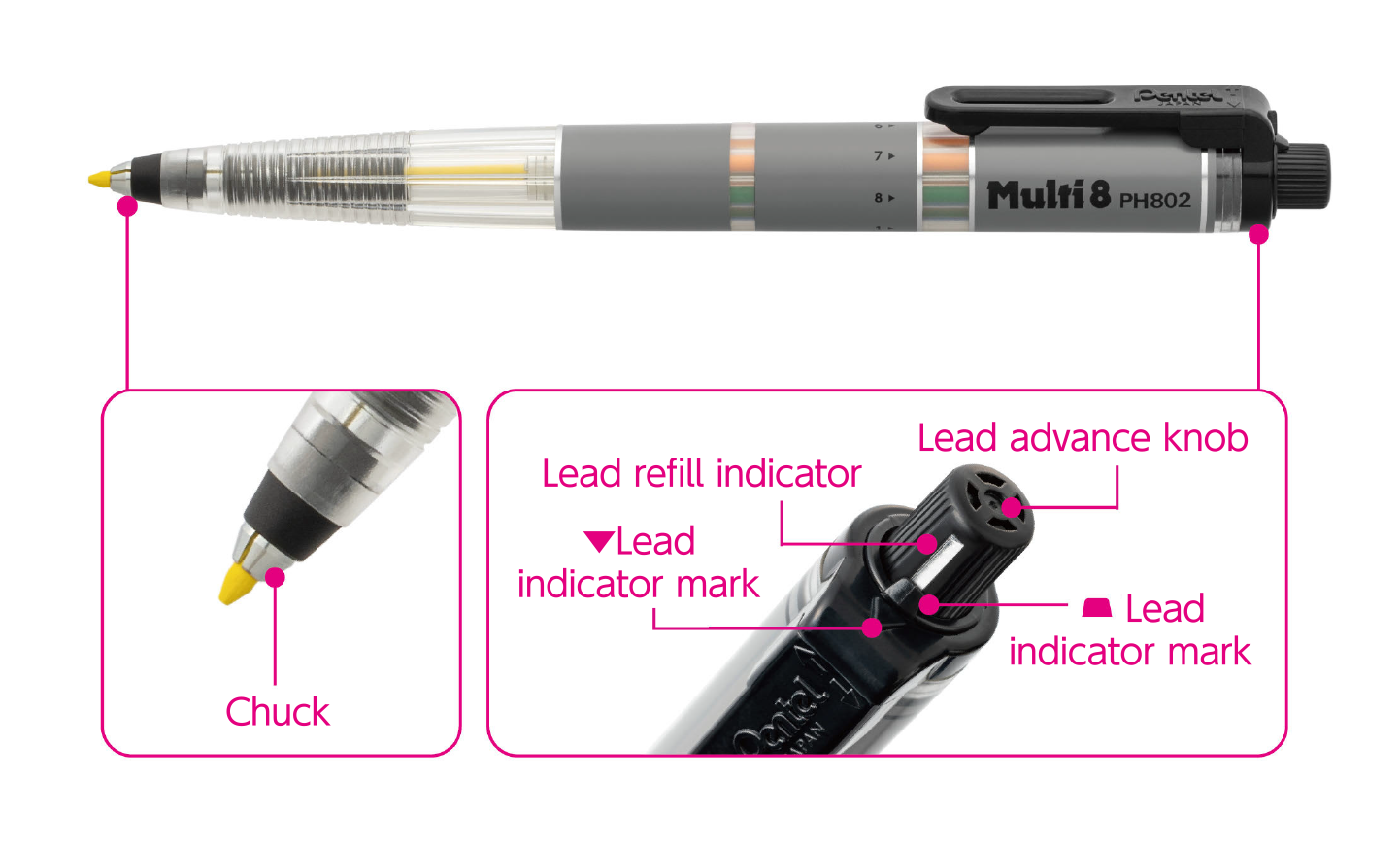
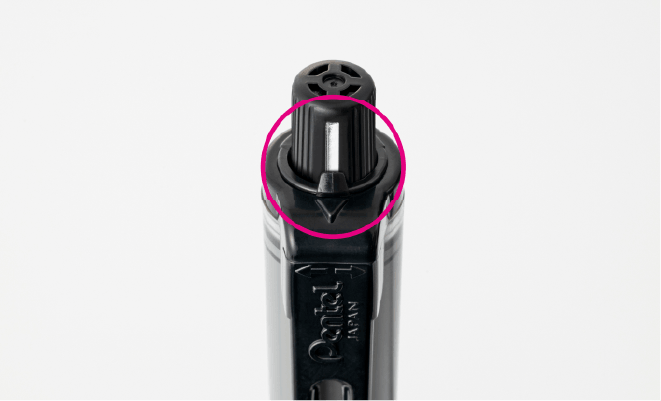
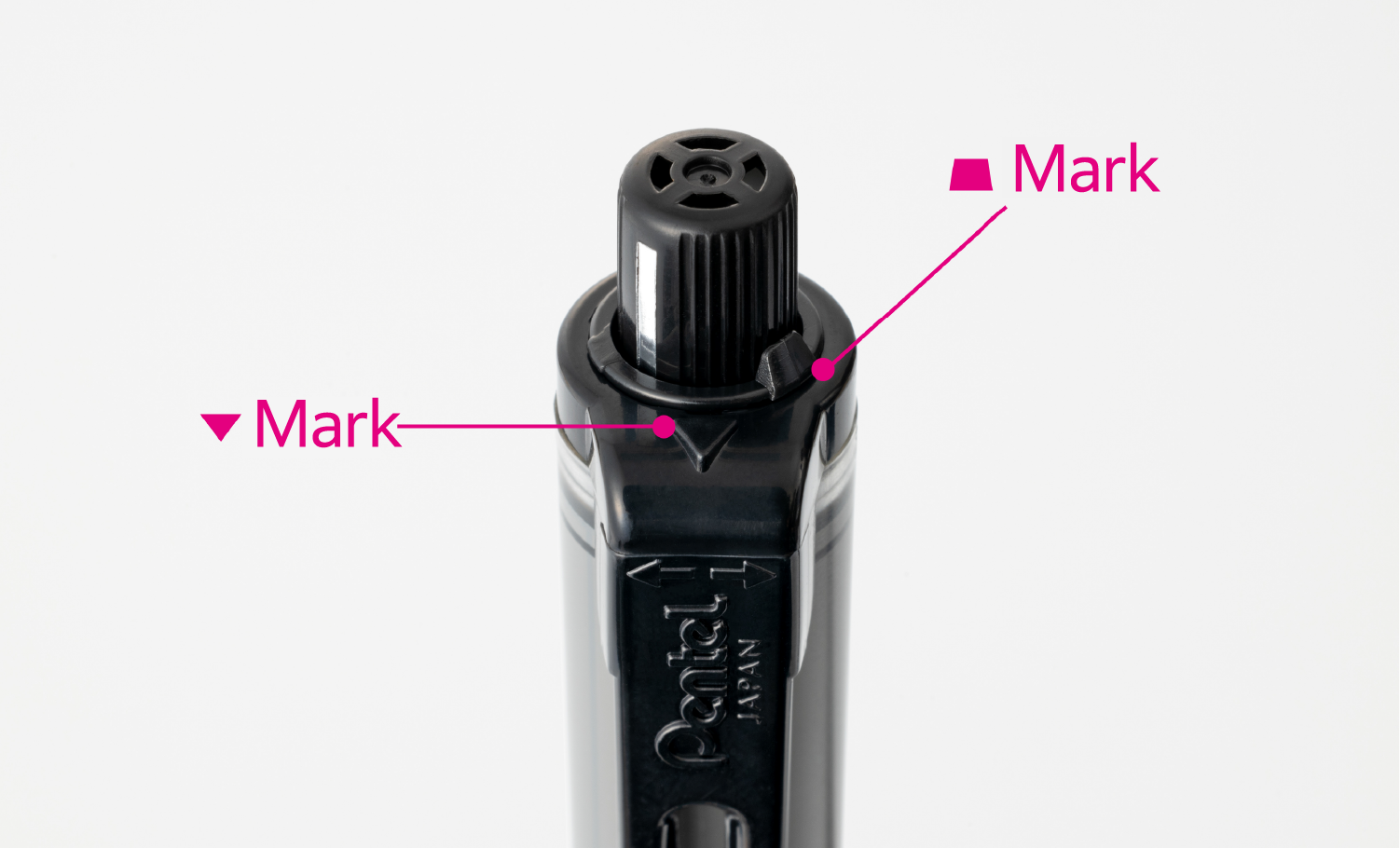
To remove a used lead, align the lead refill indicator with the mark, and click and hold the top knob to keep the chuck wide open while removing the lead.
Click the top knob once again to open the chuck. Insert a new lead.
When using the pencil, make sure the lead refill indicator and the mark are not aligned to keep the lead from dropping out even if you click the top knob by mistake.

The following are possible causes:
Is the lead fully retracted?
If you rotate the clip before the lead is fully retracted, the lead protection mechanism will activate and the clip will just spin.
Return the lead all the way before rotating the clip to select a new lead.
< If this doesn’t solve the problem >
If the clip just spins even with the lead fully retracted, the problem may be caused by friction in the clip mechanism.
If so, the clip needs to be replaced. Please contact the Customer Service Office.
Are any of the leads broken? Are there two leads in the same compartment?
Just as when replacing a lead, align the lead refill indicator with the mark, turn the pencil tip downward, and click the top knob several times to remove the lead and reinsert it correctly.
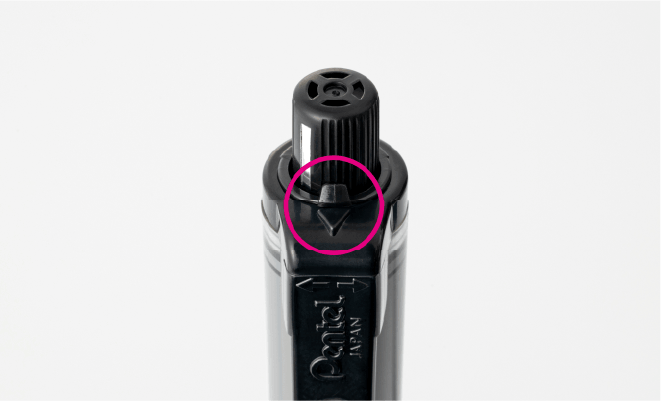
Check if the marks on the clip are misaligned. With the lead protruding,
rotate the clip to align the marks.
Then, return the lead to the lead reservoir and rotate the clip to select a lead
so that the lead of the color indicated by the clip comes out.
・ Use only Pentel Multi 8 exclusive replacement leads.
・ Use the pencil only for drawing and writing.
・ To avoid choking risks, avoid small parts (such as the top knob) entering your mouth.
・ Keep out of reach of small children.
・ Avoid writing or drawing with the pencil/pen tip pointing upward. This may cause issues with writing or drawing, or ink leakage
(in the case of a ballpoint pen).
・ Retract the lead before carrying or storing the pencil.
・ Avoid leaving the pencil in places that become hot.